Practice Management System

One system for the whole practice.

Scheduling, private chat and video, client records, resource sharing and a patient timeline — built for therapists, psychologists and clinics working with children who need consistent care. Configurable for other practices.
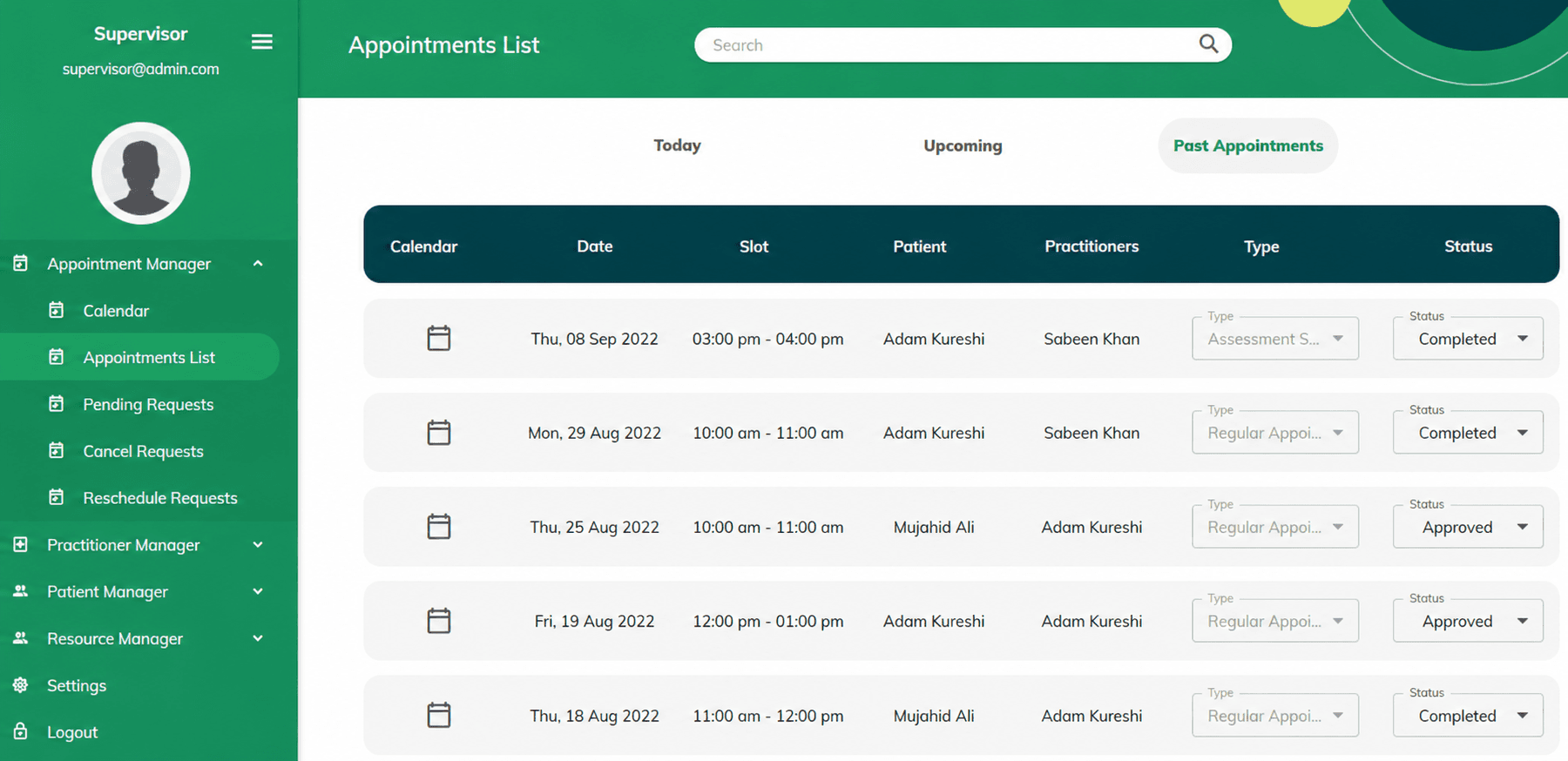
edsistive-pms · practice dashboard
PMS
One record
Per client, across every session
In-app video
No third-party meeting links
Solo to clinic
Scales from one therapist to a team
Configurable
Adapted to other practice types
Modules

Five parts, one place.

Most practices run these on five separate tools that never talk to each other. PMS puts them behind one login, so a note written after a session is attached to the client it belongs to.

Appointments

Scheduling

A calendar built around session types and recurring appointments, with confirmations going to families automatically.
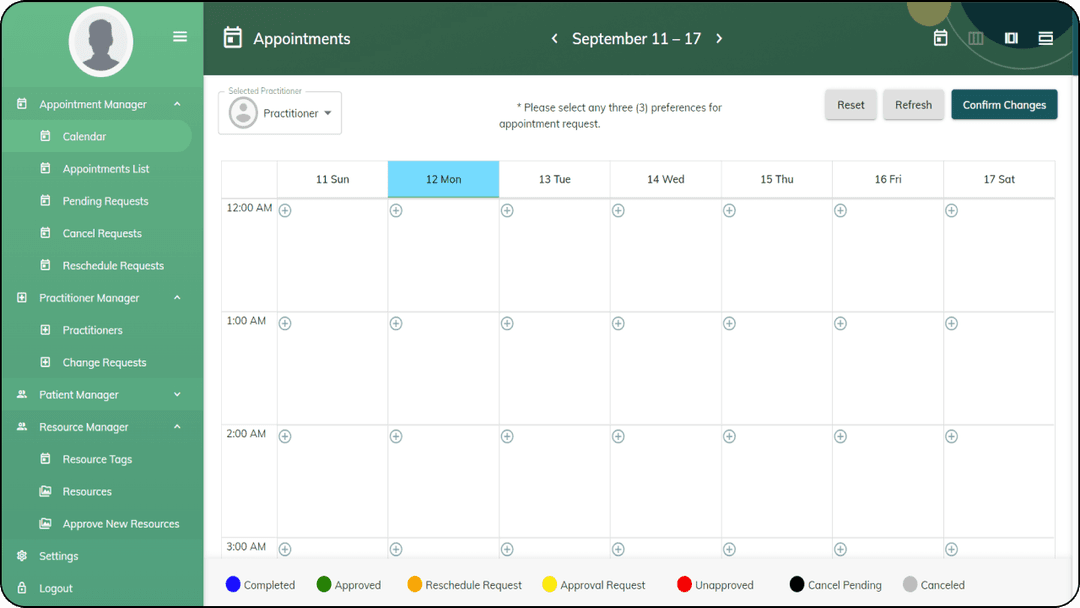
  • Recurring weekly, monthly or one-off bookings
  • Availability set per practitioner
  • Confirmations and reminders sent from the system
Scheduling
Workflow

A session, end to end.

The point of one system is that nothing has to be re-entered. Each step below writes to the same client record.

01BookedThe appointment goes on the calendar and the family gets the confirmation.
02PreparedThe practitioner opens the client's timeline and reads what happened last time.
03SeenThe session runs in person or over in-app video, with no external link to share.
04RecordedNotes and observations attach to the client, not to a document on someone's laptop.
05Followed upResources go to the family, and the next appointment is set before anyone leaves.
Who it's for

Three ways practices run it.

The same system, configured to the size of the practice and the people who need access to a record.

Independent therapists

Run a whole caseload without a receptionist. Scheduling, records and family communication in one login, so admin stops eating the evening.

Clinics and group practices

Several practitioners, one client record. A child seen by two people is seen by one practice, with a shared history and no duplicated intake.

School support teams

Counsellors and special educators tracking students across a year, with the same record the school psychologist works from.

Records

A child's history, readable at a glance.

The timeline is the part practitioners tell us they use most. Every appointment, note, shared resource and observation sits in order, so a case that has run for two years can be understood in a minute — by the person who started it or by whoever picks it up next.

  • Access is set per practitioner, so a record opens only for the people who should see it.
  • Chat and video sit inside the system, so client communication stays with the client record.
  • Resources shared with a family are logged, so you know what was sent and when.
14 MAR · SESSIONFollow-up appointmentNotes attached · 2 resources shared with parent
02 MAR · MESSAGEParent check-inProgress at home discussed ahead of the next session
18 FEB · ASSESSMENTScreening results addedUploaded and attached to the record
04 FEB · INTAKEFirst appointmentClient created · consent and history recorded
Rollout

We set it up with you, not for you.

Practice software fails when it is handed over and left. Our team configures PMS around how your practice already works, trains the people who will use it, and stays available afterwards.

01
ConfigurationSession types, intake fields and access levels set to match your existing process.
02
TrainingSessions for practitioners and administrative staff, run by the team that built it.
03
Ongoing supportOne-time or recurring arrangements — weekly, monthly or yearly — depending on what you need.

Common questions.

See it against your own caseload.

A demo runs through the modules with your practice in mind — how you schedule, what you record, and who needs to see it. Thirty minutes, no preparation needed.

Other products